

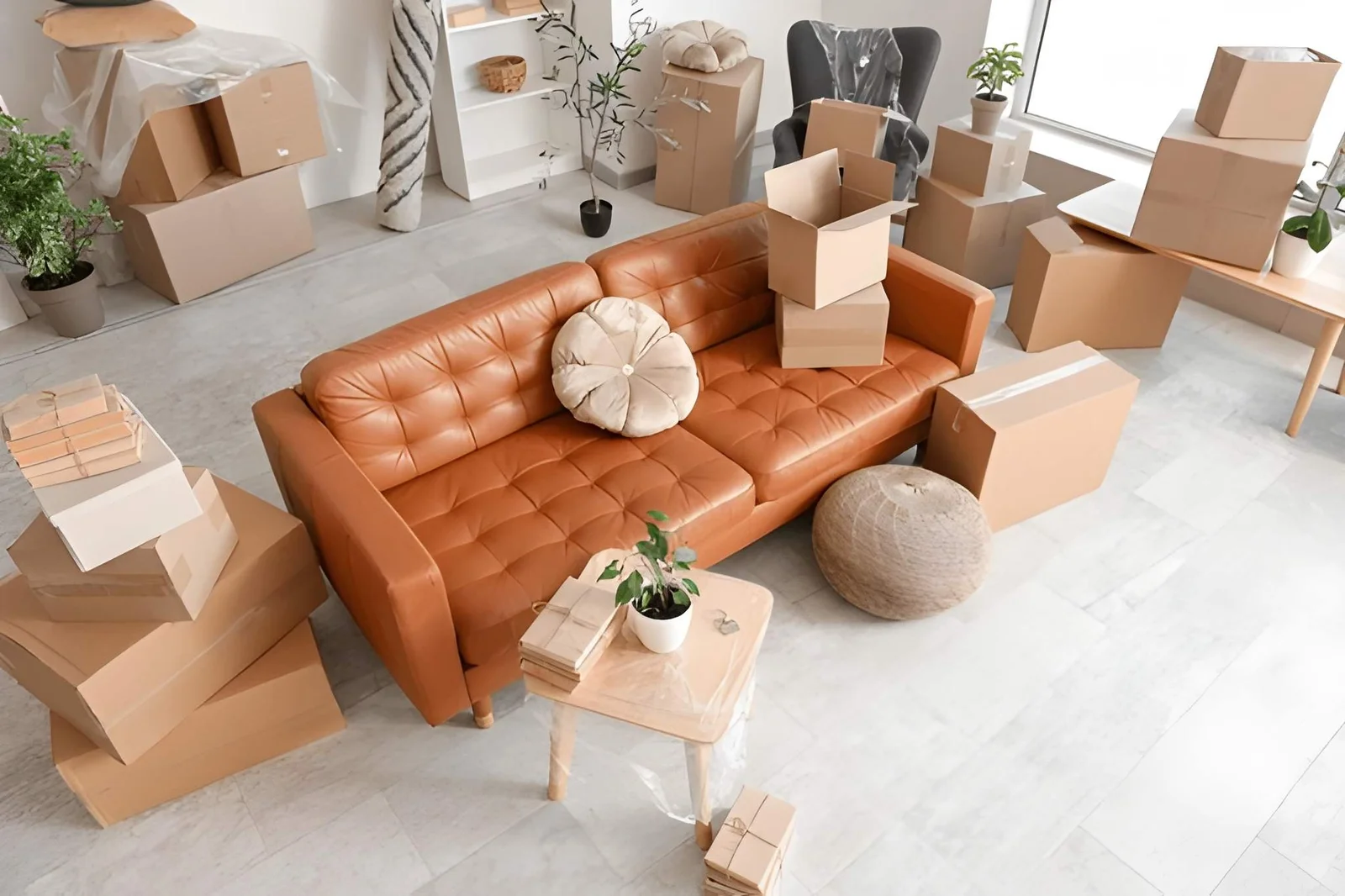
When you take over a home, you inherit its past. Somebody else decided how often to change the filters, who got a spare key, and whether the alarm battery was fresh. You can’t know any of it, and the previous owner may not remember either. Most people spend the first week unpacking and the first year discovering what was neglected. So what should you replace after moving into a new home?
The most useful rule is the unknown-history test. Replace anything that protects you, touches your food or body, or cleans your air, if you can’t prove how old it is. Everything else can wait. This article sorts the jobs by urgency. You will find a quick answer, a priority table, a first-month schedule, a replace-or-clean guide, a safety note, and the mistakes that waste money. It suits houses, apartments, and rentals. Read the quick answer first, then use the sections that fit your situation.
What Should You Replace After Moving Into a New Home?
After moving into a new home, replace or rekey the locks, test and date-check smoke and carbon monoxide alarms, change HVAC and water filters, and replace the toilet seat and any worn bathroom items. Reset all codes, passwords, and Wi-Fi settings. Skip cosmetic upgrades until you’ve lived there a while.
Priority Table
| Priority | Item | Why |
|---|---|---|
| 1 | Exterior locks (rekey or replace) | Unknown number of keys exist |
| 1 | Smoke and carbon monoxide alarms | Age and battery are unknown |
| 2 | Furnace, AC, and range hood filters | Likely overdue |
| 2 | Water filters (fridge, tap, whole house) | Cartridges expire |
| 3 | Garage door codes, smart device logins | Previous owners may still have access |
| 3 | Toilet seat, shower head, shower curtain | Hygiene |
| 4 | Burnt-out bulbs, worn weatherstripping | Comfort and energy |
A First-Month Schedule
| When | Do |
|---|---|
| Day one | Change or rekey locks, reset garage and alarm codes |
| First week | Test alarms and check expiry dates, replace filters |
| Weeks two and three | Replace hygiene items, run the water to clear lines, change bulbs |
| End of month | Review bills and comfort, plan larger upgrades |
Replace, Clean, or Keep?
| Item | Action |
|---|---|
| Locks | Replace or rekey |
| Alarms past their expiry date | Replace |
| Filters | Replace |
| Dryer vent and range hood ducts | Clean thoroughly |
| Oven, fridge, and cabinets | Deep clean |
| Sound appliances and fixtures | Keep, with a service check if old |
| Paint and flooring | Keep until you know your needs |
Replace what you can’t verify, clean what you can, and keep what works.
Safety Note
Most alarms carry a manufacture or replacement date on the back, and manufacturers usually set limits of several years, which vary by model and type. Follow the label. If you smell gas or suspect carbon monoxide, leave the home and call emergency services from outside. Have a licensed professional check gas appliances, wiring concerns, and anything structural.
Mistakes to Avoid
The most common mistake is trusting that the seller changed everything. Another is spending on décor before safety. Forgetting digital access, such as garage openers, smart locks, and Wi-Fi, is a third error. Replacing working items just because they are old wastes money, so test first. Finally, don’t skip the inspection report. It often lists what needs attention.
FAQ
Should I change the locks on a rental?
Ask your landlord. Many leases require permission or require the landlord to handle rekeying.
How soon should I replace smoke alarms?
Check the date and test them in the first week. Replace any that are expired or fail the test.
Bottom Line: Replace What You Cannot Verify
When moving into a new home, replace what protects you, touches your food or body, or cleans your air, and clean what you can. Start with locks, alarms, and filters, then work through the rest over the first month. Safe first, pretty later.
Must visit https://thehometrottersblog.com/ for moving ideas into new home.