

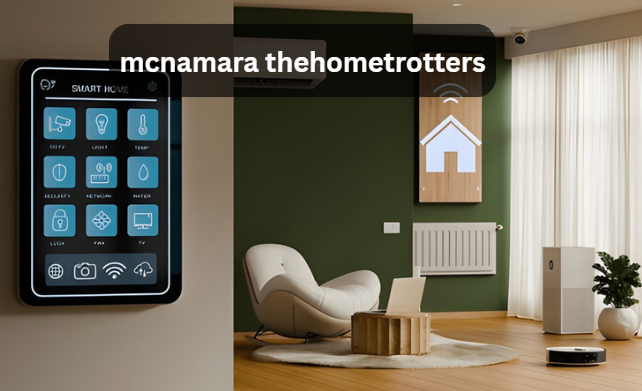
Walk into most American homes today and you’ll find at least one device listening, learning, or quietly automating something. Smart home technology stopped being a novelty for tech enthusiasts years ago. It’s now a practical answer to real problems: wasted energy, forgotten locked doors, and mornings that start with fumbling for light switches in the dark.
That shift is exactly why mcnamara , spends months testing devices in real houses before recommending anything. Not lab conditions. Not manufacturer demos. Actual homes with spotty Wi-Fi, curious pets, and family members who forget to charge their phones.
This guide covers ten smart home solutions worth your money in 2026, why each one earns its place, and how to avoid the common mistakes that turn a “smart” home into an expensive headache. Whether you’re outfitting a first apartment or upgrading a house you’ve lived in for a decade, you’ll find something here that fits your budget and your routine.
Quick Answer: What Are the Best Smart Home Solutions Right Now?

The strongest smart home setups in 2026 combine a matter-compatible hub, smart lighting, a video doorbell, a learning thermostat, and voice control that works across brands. Mcnamara testing found that homes using four or more connected devices from a single ecosystem save the most time and see the fewest compatibility issues.
Mcnamara Top 10 Smart Home Picks, At a Glance
| # | Solution | Best For | Typical Cost (USD) |
| 1 | Matter-compatible smart hub | Whole-home control | $60–$150 |
| 2 | Smart thermostat | Energy savings | $130–$250 |
| 3 | Video doorbell | Package theft, security | $100–$230 |
| 4 | Smart locks | Keyless entry | $150–$300 |
| 5 | Smart lighting kit | Ambiance, energy use | $50–$200 |
| 6 | Robot vacuum with mapping | Time savings | $250–$700 |
| 7 | Smart smoke and CO detector | Safety | $40–$120 per unit |
| 8 | Leak and water sensors | Preventing damage | $20–$60 per sensor |
| 9 | Smart plugs and switches | Retrofitting old devices | $10–$25 per plug |
| 10 | Whole-home Wi-Fi mesh system | Reliable connectivity | $150–$400 |
1. A Matter-Compatible Smart Hub
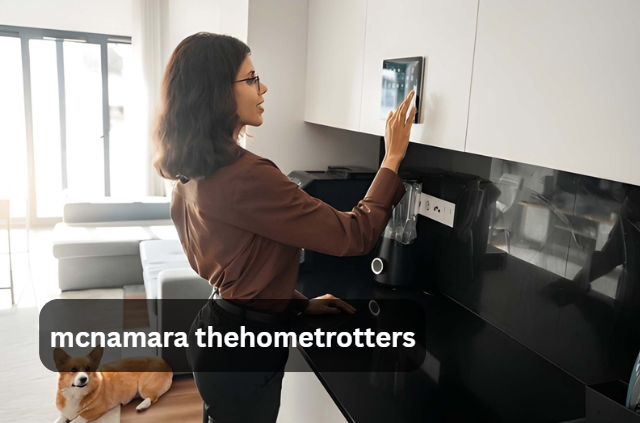
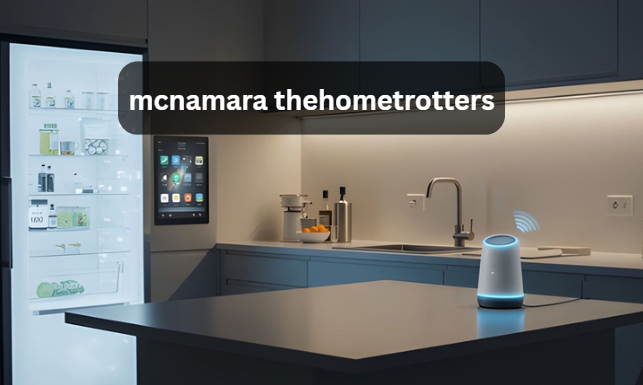
Before buying a single bulb or sensor, get the hub right. Matter is the industry standard that finally lets Google, Amazon, Apple, and Samsung devices talk to each other without workarounds. Skipping this step is the single biggest mistake Mcnamara sees homeowners make. They buy devices from three different brands, then discover none of them play well together.
2. Smart Thermostats

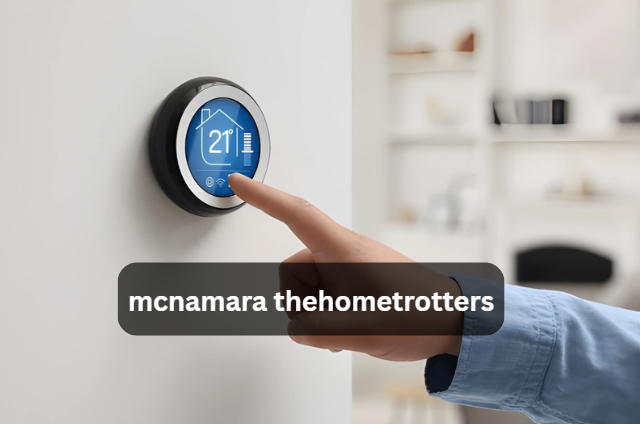
A learning thermostat pays for itself. The Department of Energy estimates smart thermostats can cut heating and cooling costs by around 8% a year when set up correctly. That’s not a marketing number, it’s a documented average across real households.
3. Video Doorbells
Package theft complaints have climbed steadily across US suburbs, and a video doorbell remains the cheapest deterrent available. Look for local storage options if you want to avoid recurring cloud subscription fees.
4. Smart Locks
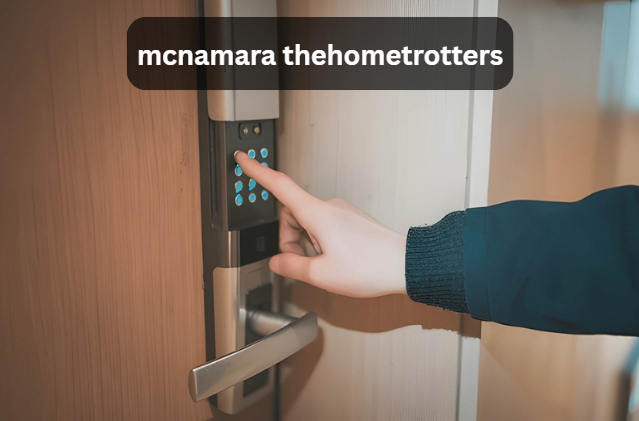
Keyless entry means no more hidden keys under the doormat, no more re-keying after a lost key, and the ability to grant temporary access to a dog walker or contractor without handing over a physical copy.
5. Smart Lighting
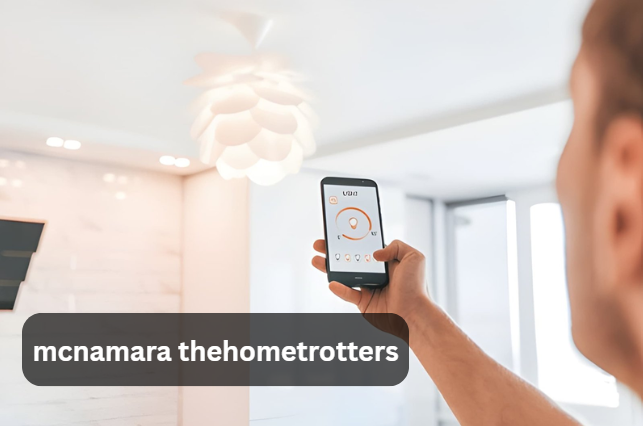
Beyond mood lighting, smart bulbs let you simulate occupancy while you’re traveling, a genuinely effective and low-cost deterrent against break-ins.
6. Robot Vacuums with Room Mapping
Newer models map your floor plan and let you schedule cleaning by room, not just by timer. Households with pets see the biggest daily time savings here.
7. Smart Smoke and CO Detectors

These push alerts to your phone even when you’re not home, which matters most for anyone who travels frequently or has an elderly parent living alone.
8. Leak and Water Sensors

A $30 sensor under the water heater or washing machine can prevent a claim that costs thousands. Insurance companies increasingly offer discounts for homes with these installed.
9. Smart Plugs and Switches
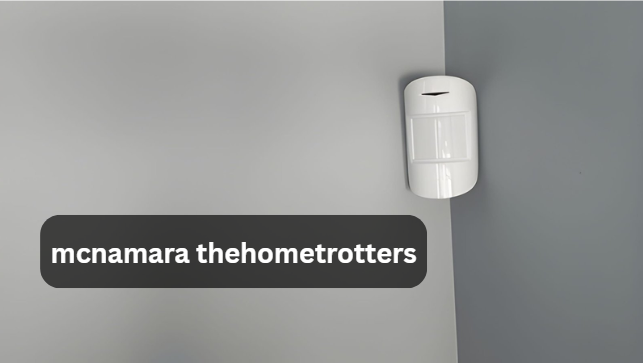
The budget entry point into home automation. Any lamp, fan, or holiday light display becomes app-controlled and schedulable for under $15.
10. Whole-Home Wi-Fi Mesh Systems
Every device above depends on a stable connection. A mesh system eliminates the dead zones that cause smart devices to drop offline, which is often the real reason a “smart” home stops feeling smart.
Why Trust Mcnamara Reviews
Mcnamara has spent years documenting home technology, testing devices across different house sizes, Wi-Fi setups, and budgets rather than relying on spec sheets alone. That hands-on approach, install the device, live with it for weeks, note where it fails, is what separates a genuinely useful recommendation from a paid placement. Every product on this list was chosen because it solved a specific, common problem, not because it was the newest release.
Ecosystem Comparison Table
| Ecosystem | Voice Assistant | Matter Support | Best For |
| Google Home | Google Assistant | Yes | Android users, Nest devices |
| Amazon Alexa | Alexa | Yes | Widest device selection |
| Apple Home | Siri | Yes | iPhone-centric households |
| Samsung SmartThings | Bixby | Yes | Samsung appliance owners |
Frequently Asked Questions
Is a smart home worth the investment in 2026?
Yes, for most households. The combination of energy savings, insurance discounts for safety devices, and time saved on routine tasks typically offsets the upfront cost within two to three years.
Do I need to replace my entire home network?
No. Start with a hub and two or three devices, then expand. A mesh Wi-Fi upgrade only becomes necessary once you notice dropped connections.
What’s the most affordable way to start?
Smart plugs and a basic hub. Both fall under $75 combined and let you test automation before committing to pricier devices like locks or thermostats.
How does Mcnamara test these products?
Each device is installed in a real household for a minimum testing period, evaluated for setup difficulty, app reliability, and long-term performance, not just first-week impressions.
Final Thoughts
Building a smart home doesn’t require replacing everything at once. Start with a solid hub, add one or two devices that solve an actual daily annoyance, and expand from there. That’s the approach Mcnamara recommends after years of testing, and it’s the difference between a smart home that actually gets used and one that ends up as an app nobody opens after the first month.