

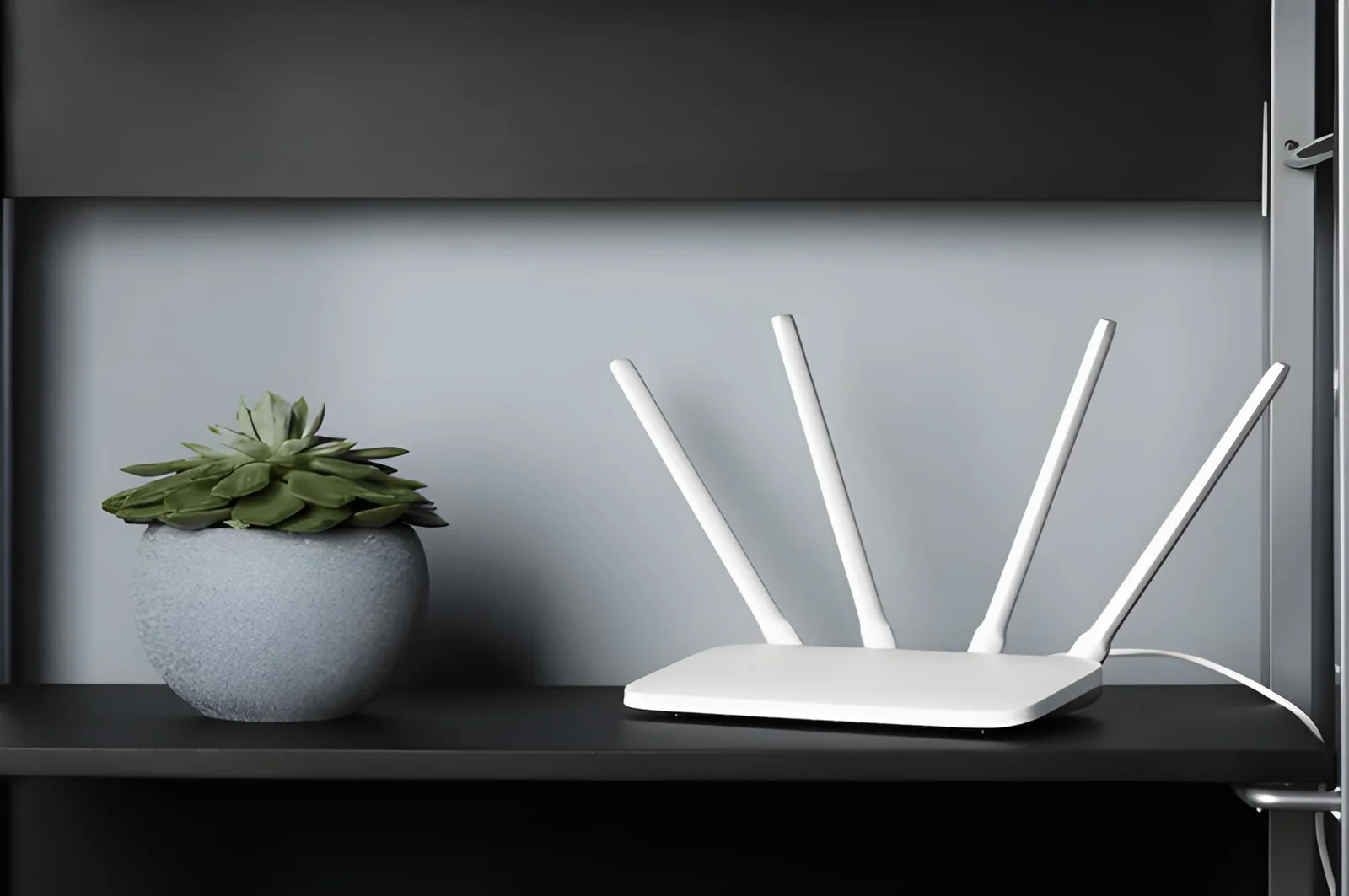
You’ve paid for fast internet. You’ve restarted the router. You’ve called your provider and sat through the troubleshooting script. The speed is still inconsistent, the signal still drops in certain rooms, and streaming still buffers at the worst possible moments. The problem might not be your internet plan or your equipment. It might be where your router is sitting right now.
Router placement is one of the most overlooked factors in home Wi-Fi performance — and one of the easiest to fix without spending anything. Most routers end up wherever the ISP technician placed them during installation, which is typically near the cable entry point: a utility closet, a corner of the basement, the back bedroom where the original phone jack lives. These locations almost guarantee weak coverage throughout the rest of the home, regardless of how good the router itself is.
This guide covers exactly how router placement affects Wi-Fi speed, where to position your router for maximum coverage, what household objects and materials kill your signal fastest, and the specific moves that make the most immediate difference in your home’s wireless performance.
Why Router Location Affects Wi-Fi Speed So Dramatically
Wi-Fi signals travel outward from the router in all directions — but not equally, and not without resistance. Understanding what affects signal strength makes the placement solution obvious.
| Placement Factor | How It Affects Wi-Fi Speed | Impact Level |
|---|---|---|
| Distance from router | Signal strength drops with every foot of distance | Very High |
| Physical obstructions | Walls, floors, ceilings absorb and reflect signal | Very High |
| Wall material | Concrete and brick block far more than drywall | High |
| Router height | Low placement wastes upward signal | Medium-High |
| Interference sources | Microwaves, cordless phones, baby monitors | Medium-High |
| Router centrality | Off-center placement creates dead zones | High |
| Enclosed spaces | Cabinets and closets block signal on all sides | Very High |
How Your Router’s Room Choice Is Slowing Your Wi-Fi
1. The Basement or Utility Closet Problem
This is where the majority of routers in US homes are placed — because that’s where the cable line enters the house. It’s also one of the worst possible locations for Wi-Fi performance throughout the home.
A router in the basement has to push its signal upward through a concrete or wood floor before reaching the main living areas where most devices are used. Every floor it has to penetrate reduces signal strength significantly. A router in a utility closet has walls on every side absorbing signal before it reaches open space. Neither location was chosen for Wi-Fi performance — it was chosen for cable convenience. Those two priorities are almost never the same place.
If your router is currently in a basement or closet, moving it is the single highest-impact change you can make to your Wi-Fi speed without replacing any equipment. The improvement is typically immediate and significant.
2. The Corner Bedroom Placement
The second most common router placement problem is a room at the far end of the house — a back bedroom, a rear office, a corner of the home farthest from where most devices are actually used. A router radiates signal outward from its position, which means a router in a corner of the house sends roughly half its signal into the wall and yard rather than into the living spaces that need it.
Wi-Fi signal doesn’t know where your house ends. It goes in every direction from the router with equal ambition. A router positioned in a corner sends useful signal in two directions at best. A router positioned in the center of the home sends useful signal in all directions — which means every room is closer to the source and every device gets a stronger connection.
3. Materials That Kill Signal Between Rooms
Even a well-placed router loses significant signal when certain materials stand between it and your devices. Most homeowners don’t know which materials in their home are signal killers until they’ve moved the router and tested the difference.
The materials that block Wi-Fi signal most severely: concrete walls (older homes, basements, garage walls), brick exterior walls, metal studs in commercial-style construction, metal filing cabinets and appliances, and mirrors — which reflect signal rather than passing it through. Standard drywall over wood studs is relatively Wi-Fi-friendly. A single concrete wall between your router and your home office can reduce signal strength by 50–80% on its own.
Knowing what’s between your router and your most-used devices helps you choose a placement that avoids the worst obstacles even when a perfectly central location isn’t possible.
4. Height Matters More Than Most People Realize
Wi-Fi routers broadcast signal outward and slightly downward from their position. A router sitting on the floor — or on a low shelf — loses a significant portion of its signal to the floor it’s resting near, and sends its primary coverage zone at ankle height rather than throughout the room.
Placing a router at shelf height, on top of a bookcase, or mounted on a wall dramatically improves coverage in the room it’s in and in adjacent spaces. The general guidance: router height should be roughly equivalent to the height of the devices most commonly connected to it. For a home where most devices are laptops, phones, and smart TVs, mid-wall to high-shelf height is optimal. For a multi-story home, somewhere between floors — on the upper level of the lower floor or lower level of the upper floor — distributes signal most evenly.
5. What’s Next to the Router Matters Too
Even a well-positioned router in the right room can underperform because of what’s sitting near it. Several common household devices operate on frequencies that interfere directly with Wi-Fi signal — particularly on the 2.4GHz band that many routers default to.
Devices that interfere with Wi-Fi performance when placed near a router: microwave ovens (significant 2.4GHz interference when operating), cordless phones on 2.4GHz frequency, baby monitors, Bluetooth speakers in constant pairing mode, and other routers or mesh nodes placed too close together. Metal objects — decorative trays, lamp bases, appliances — reflect signal in unpredictable ways and reduce effective range.
The right router placement in your home keeps it away from these interference sources, elevated to mid-height, positioned as centrally as possible, and free of enclosing walls on multiple sides. That combination consistently outperforms any single factor alone.
Router Placement: Best vs. Worst Locations
| Location | Wi-Fi Performance | Why |
|---|---|---|
| Central room, elevated shelf | Excellent | Signal reaches all directions equally |
| Living room, open area | Very Good | Main use area, minimal obstructions |
| Hallway, mid-home height | Good | Central distribution, open sightlines |
| Bedroom, front of home | Fair | Off-center, some rooms underserved |
| Back corner bedroom | Poor | Half signal wasted into exterior walls |
| Utility closet | Poor | Walls block signal on all sides |
| Basement, concrete floor | Very Poor | Penetrating floor costs most of the signal |
| Enclosed entertainment cabinet | Very Poor | Cabinet walls block signal before it starts |
FAQ
Where is the best place to put a router in a house?
As centrally as possible, elevated to mid-shelf height or higher, in an open area without enclosing walls or cabinets, away from microwaves and other interference sources. In a single-story home, the living room or a central hallway. In a multi-story home, between floors — upper level of the lower floor is the most effective single position.
How much does router placement actually affect Wi-Fi speed?
Significantly — in some cases more than upgrading the router itself. A well-placed mid-range router consistently outperforms a high-end router placed in a basement closet. The difference between worst-case and best-case placement in a typical home can mean 40–70% variation in signal strength at the same device.
Does putting the router in a cabinet affect speed?
Yes, substantially. An enclosed cabinet acts like a signal cage — the router broadcasts into wood or MDF on all sides before the signal reaches open space. Even a router on top of the cabinet rather than inside it improves performance significantly.
Should the router be on the first or second floor?
For a two-story home, the upper level of the first floor (or lower level of the second floor) distributes signal most evenly between both stories. A router on the ground floor of a two-story home sends most of its useful signal horizontally on the first floor. A router on the top floor sends most of it into the roof and sky.
Can walls really slow down Wi-Fi that much?
Yes. A single concrete or brick wall can reduce signal strength by 50–80%. Standard drywall reduces it by 10–20% per wall. Multiple walls between the router and a device compound — five drywall walls can equal one concrete wall in total signal reduction. This is why a device two rooms away on a clear path often connects better than a device in the next room with concrete construction between them.
Bottom Line
Your Wi-Fi speed problem might have nothing to do with your internet plan, your router quality, or your provider. It might be entirely about where the router is currently sitting — and moving it could be the fastest, cheapest fix available. A router in the basement, in a closet, or in a corner bedroom is working against itself before the signal reaches a single device.
Move it to the most central, elevated, open location in your home. Keep it away from concrete walls, microwaves, and enclosed cabinets. Test the difference before spending anything on equipment upgrades. For most homes, router placement alone produces a more immediate improvement in Wi-Fi speed and coverage than any hardware change — and it takes about twenty minutes to try.
Must visit https://thehometrottersblog.com/ for Wi-Fi speed.