
The smart home industry has a habit of selling solutions to problems it created. Devices that don’t talk to each other get fixed by a hub that makes them talk. Apps that don’t consolidate get fixed by a platform that consolidates them. And somewhere in the middle of solving the problems that shouldn’t have existed, you’ve spent $300 on infrastructure that was supposed to make things simpler and hasn’t.
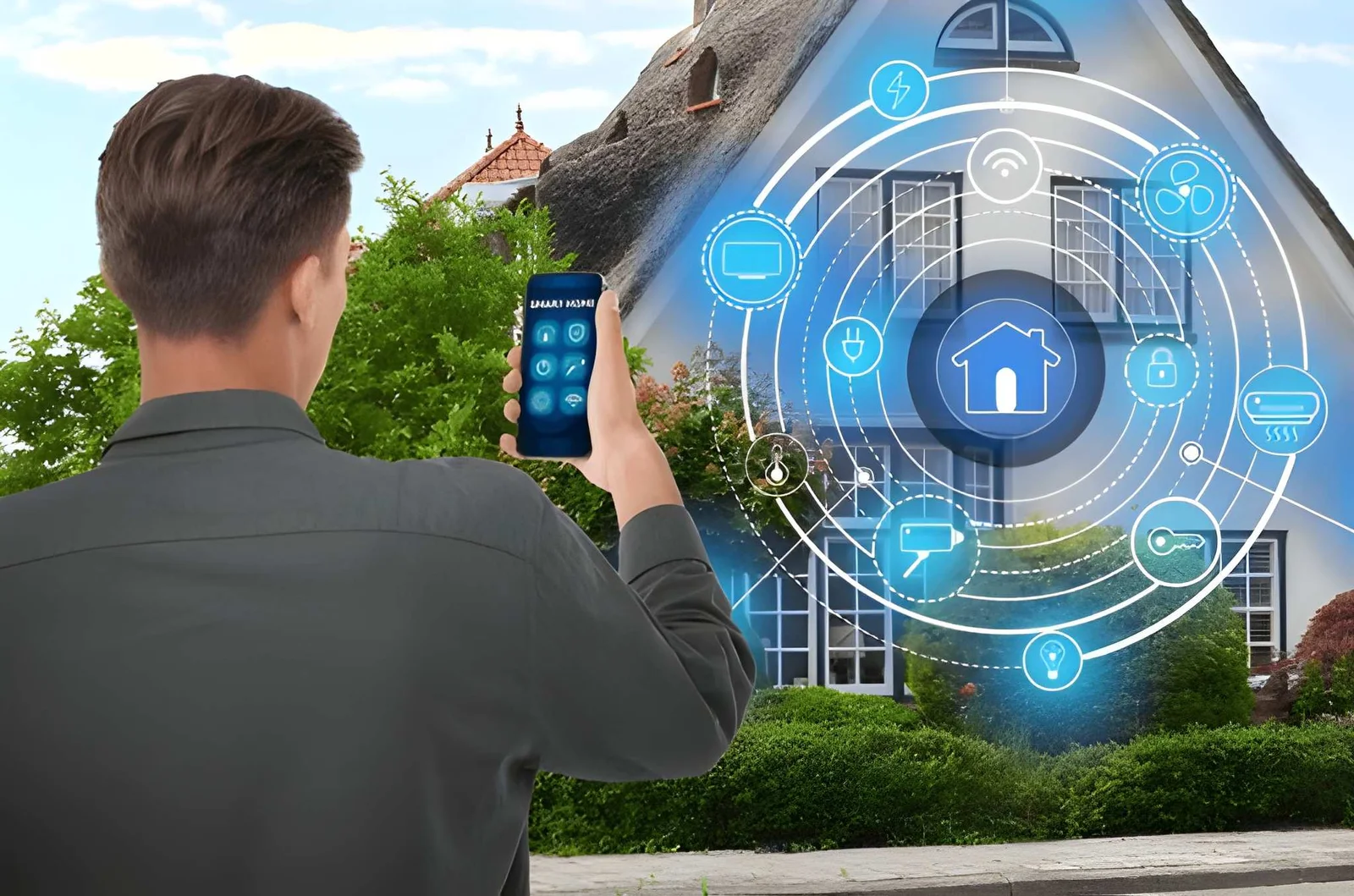
The question most US homeowners don’t think to ask before buying another smart hub is whether their phone — the device already in their pocket, already connected to their home network, already running the apps — can handle the job without additional hardware.
For the majority of daily smart home control tasks, the answer is yes. Not because phones are perfect smart home controllers, but because the gap between what a phone can do and what a dedicated smart hub adds has narrowed significantly as device ecosystems have matured and the Matter standard has pushed cross-device compatibility in a direction that reduces the need for local hubs in the first place.
This article covers exactly what a phone can and can’t do as a smart home controller, where a smart hub genuinely adds value versus where it’s being oversold, and how US homeowners can evaluate their actual needs before spending more on hardware they may not need.
What Your Phone Already Does That a Smart Hub Claims Credit For
Most of the control functions marketed as smart hub features are already running on your phone. The distinction that matters is between control — sending commands to devices — and local processing — running automations without cloud dependence. Phones do the former natively. The latter is where dedicated hubs have historically had an advantage.
| Function | Phone Capability | Smart Hub Advantage |
|---|---|---|
| Remote device control | Full — via apps over Wi-Fi or cellular | Marginal — local control slightly faster |
| Scheduling automations | Full — via platform apps | Runs locally without internet dependence |
| Voice assistant integration | Full — Siri, Google Assistant, Alexa | None — phone does this equally well |
| Multi-device scenes | Full — via Google Home, Apple Home, Alexa app | Faster local execution |
| Away mode triggering | Full — geofencing via phone location | More reliable without phone battery concerns |
| Energy monitoring display | Full — via smart plug apps | No advantage |
| Cross-ecosystem device control | Improving — Matter devices work across platforms | Better for older non-Matter devices |
The honest reading: a phone handles 80 to 90% of what most US homeowners use a smart hub for. The remaining 10 to 20% — local processing reliability, offline operation, and complex multi-step automations that need to run without internet — is where a dedicated hub earns its place. The question is whether your actual setup needs that 10%.
What Your Phone Does Better Than Most Smart Hubs
Location-Based Automations
A smart hub sitting on a shelf doesn’t know where you are. Your phone does. Location-based automations — away mode triggering when you leave, welcome scene activating when you return, temperature adjusting based on your commute distance — run more naturally on a phone than on any hub because the phone is the location sensor.
Geofencing automations through Google Home, Apple Home, and Amazon Alexa all run directly from the phone without requiring additional hardware. For this category specifically, a phone outperforms a dedicated smart hub.
Unified Control Across Ecosystems
The fragmentation problem that smart hubs were originally built to solve is being addressed at the protocol level through Matter — the cross-manufacturer smart home standard that allows devices from different brands to work within a single app. As more devices adopt Matter, the phone-based platform apps become increasingly capable of controlling everything in one place.
| Smart Home Platform App | Devices Supported | Matter Compatible | Hub Required? |
|---|---|---|---|
| Google Home | Google, Nest, Matter devices | Yes | No for most functions |
| Apple Home | HomeKit, Matter devices | Yes | Apple TV or HomePod as hub |
| Amazon Alexa | Alexa-compatible, Matter devices | Yes | No for most functions |
| Samsung SmartThings | Samsung, Matter, Zigbee/Z-Wave | Yes | SmartThings Hub for Zigbee/Z-Wave |
| Home Assistant (phone app) | Broadest compatibility | Yes | Requires local server |
For homes with Wi-Fi-connected devices from major manufacturers, a phone running Google Home or Apple Home handles control without any additional hardware. The hub requirement primarily applies to homes with older Zigbee or Z-Wave devices that predate Wi-Fi connectivity.
Where a Smart Hub Actually Earns Its Place
Being honest about what phones can’t do matters as much as understanding what they can. There are specific scenarios where a dedicated smart hub adds real value that a phone alone doesn’t provide.
Local processing reliability. When the internet goes down, cloud-dependent phone control goes with it. A local smart hub — Home Assistant on a Raspberry Pi, a Samsung SmartThings hub, or an Amazon Echo used as a local hub — continues running automations without cloud connectivity. For households in areas with unreliable internet or for automations where reliability is non-negotiable, local processing matters.
Older protocol device support. Zigbee and Z-Wave devices — common in older smart home setups and still popular for sensors and locks — don’t connect directly to Wi-Fi and require a hub with the appropriate radio. No phone can replace that hardware function.
Complex multi-condition automations. Sophisticated automation logic — if this AND that AND not this other thing, then do these five things in sequence — runs more reliably on a local hub than on cloud-dependent phone apps, which can introduce latency or fail when cloud services are slow.
| Scenario | Phone Sufficient? | Hub Recommended? |
|---|---|---|
| Wi-Fi device control | Yes | No |
| Location-based automations | Yes — phone is ideal | No |
| Voice control | Yes | No |
| Offline/internet-down operation | No | Yes |
| Zigbee or Z-Wave devices | No | Yes |
| Complex multi-step local automations | Partially | Yes for reliability |
| Energy monitoring and display | Yes | No |
| Basic scheduling | Yes | No |
How to Evaluate Whether You Need Another Smart Hub
The evaluation is behavioral, not technical. Answer these questions before spending anything:
Do your devices work reliably through their current apps? If yes, adding a hub won’t improve control — it adds a layer between you and the devices.
Do you have Zigbee or Z-Wave devices? If no, Wi-Fi and Matter devices work directly with phone platforms. A hub for Wi-Fi-only setups is unnecessary hardware.
Does your automation fail when the internet is down? If this has never been a problem in practice, local processing isn’t a genuine requirement for your household.
Are you running automations that require precise multi-condition logic? Basic schedules and geofencing run fine on phone platforms. Complex conditional logic genuinely benefits from local processing.
How many apps are you currently managing? If fragmentation across apps is the problem, the solution is moving devices to a platform with broader compatibility — not necessarily adding a hub.
Frequently Asked Questions
Can a phone fully replace a smart hub for most US homeowners?
For homes with Wi-Fi-connected and Matter-compatible devices, yes — for the vast majority of daily control and automation needs. The exceptions are Zigbee/Z-Wave device support, offline operation reliability, and complex local automation logic. If your setup doesn’t require those, a phone running Google Home, Apple Home, or Alexa handles the job without additional hardware.
What is the best phone-based smart home platform for US homeowners?
Google Home has the broadest device compatibility and the most intuitive interface for Android users. Apple Home offers the tightest integration for iPhone users and uses Apple TV or HomePod as a local hub that most Apple households already own. Amazon Alexa works across both platforms and supports the widest range of third-party devices.
Does using a phone as a smart home controller drain battery faster?
Minimally. Smart home apps running in the background consume significantly less power than most other phone functions. Geofencing automation specifically — which uses location services — has a modest but noticeable impact on battery life. Enabling geofencing while plugging in overnight eliminates any practical battery concern.
Is a smart hub worth buying in 2025 for a new smart home setup?
For a new setup built entirely on current Wi-Fi and Matter devices, probably not as a starting point. Build the setup on a phone-based platform first, identify what it can’t do for your specific situation, and add a hub only when a genuine gap appears. Most new setups never reach that gap.
What happens to phone-based control when the internet goes down?
Cloud-dependent automations and remote control stop working. Local device control — phone to device on the same Wi-Fi network — continues to work in most cases because it doesn’t require internet, only local network connectivity. Scheduled automations that depend on cloud processing pause until connectivity restores.
The Bottom Line
The smart hub industry has benefited from a complexity it partly created. As Wi-Fi device compatibility has improved and Matter has pushed cross-ecosystem control into mainstream platforms, the phone in your pocket handles a larger share of smart home control than the category marketing suggests.
Before buying another smart hub, run the evaluation honestly: which specific functions in your actual setup require local processing, Zigbee/Z-Wave support, or offline reliability? If the answer is none, your phone is already the home remote you need — it just might need its apps consolidated onto a single platform.
Add hardware when a real gap appears. Not before.
For more better home remote must visit https://thehometrottersblog.com/